
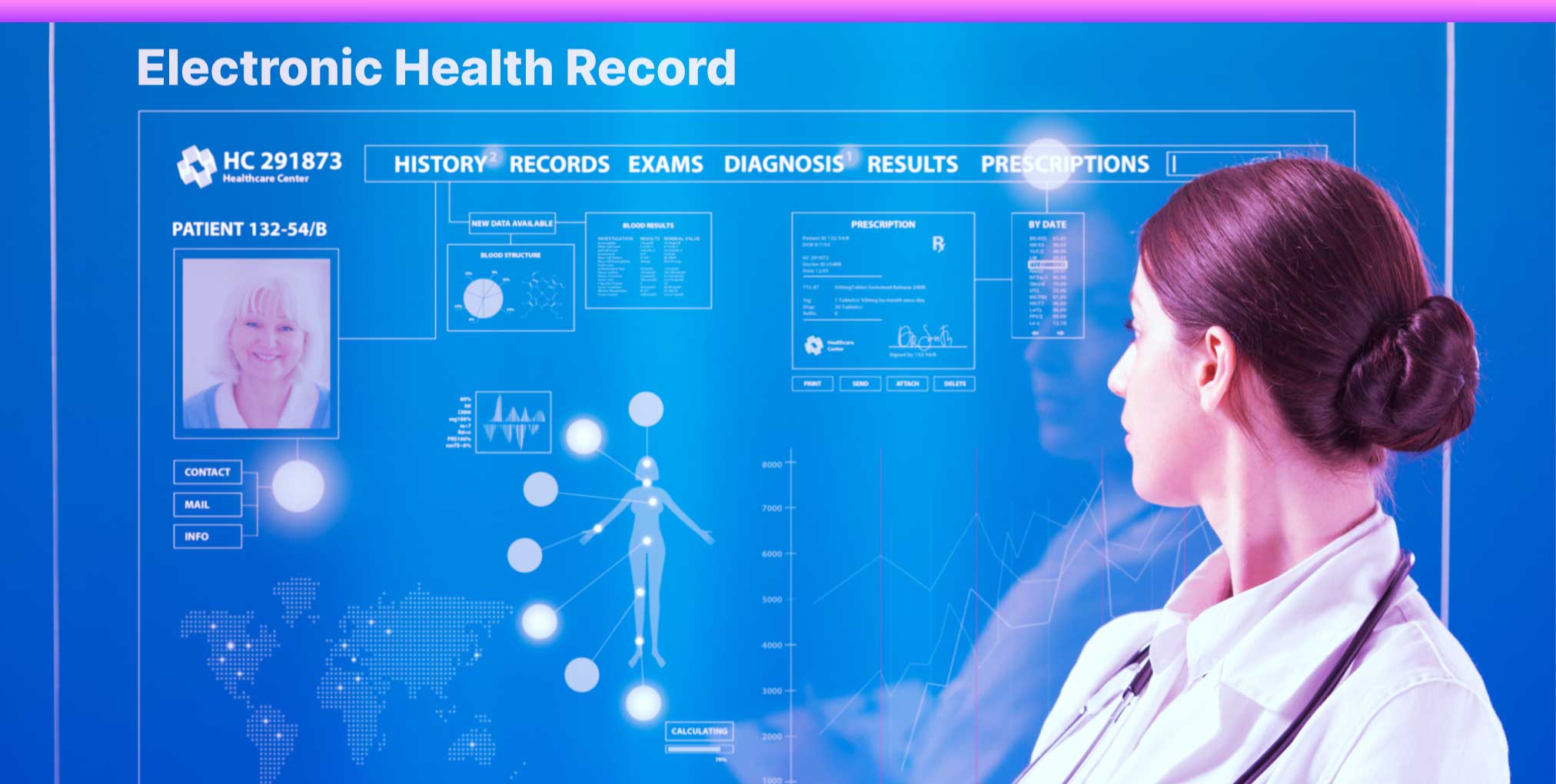
You’re juggling patient records in one system and imaging data in another. Every day, your staff manually enters information twice, and mistakes keep slipping through.
If this sounds familiar, you need to know about bi-directional worklist integration between your electronic health records software and a Picture Archiving and Communication System (PACS).
This connection can transform how your facility handles medical imaging workflows, but timing matters.
What Exactly Is Bi-Directional Worklist Integration?
Think of it as a two-way conversation between your EHR and PACS. Instead of entering patient information manually in each system, data flows automatically in both directions.
When you schedule an imaging exam in your EHR, it appears in PACS immediately. When radiologists complete reports in PACS, the results appear immediately in the patient’s EHR.
This eliminates duplicate data entry and keeps everyone on the same page. Your registration staff, radiologists, and physicians all see the same information simultaneously.
How Do You Know It’s Time for Integration?
Your facility sends several clear signals when integration becomes necessary. Here’s what to watch for:
Manual entry errors are increasing. When your staff types the same patient information into multiple systems, mistakes happen. Wrong birth dates, misspelled names, and incorrect medical record numbers create serious problems. Studies show that manual data entry has an error rate of about 1% to 4%, which might sound small until you realize that means 40 errors per 1,000 entries.
Your imaging volume is growing. If you’re handling more than 50 imaging studies daily, manual workflows start breaking down. Staff spend hours on data entry instead of patient care. Research indicates that facilities performing 100+ studies per day can save approximately 15-20 minutes per study with proper integration.
Patient wait times frustrate everyone. Long registration processes and delayed report delivery hurt patient satisfaction. When systems don’t communicate, patients wait while staff search for information across multiple platforms.
| Facility Size | Daily Studies | Monthly Data Entry Hours (Manual) | Potential Time Saved with Integration |
| Small Clinic | 20-50 | 40-60 hours | 30-40 hours |
| Medium Hospital | 100-200 | 150-200 hours | 120-150 hours |
| Large Medical Center | 500+ | 600+ hours | 480+ hours |
What Benefits Can You Expect?
Faster patient throughput becomes immediately noticeable. Your registration desk processes patients more quickly because they don’t have to enter data twice.
Imaging techs spend less time verifying information and more time actually scanning patients.
Fewer billing errors mean better revenue. When patient demographics sync automatically, you reduce claim denials from mismatched information.
Healthcare facilities report a 20-30% reduction in claim rejections after implementing integration.
Better compliance with regulations like HIPAA happens naturally. You maintain complete audit trails showing who accessed what information and when.
This documentation becomes crucial during inspections or legal proceedings.
What Are the Financial Considerations?
You need to calculate both costs and returns. Integration projects typically cost between $50,000 and $200,000, depending on your facility size and system complexity. This includes software licensing, implementation services, and staff training.
But look at the return on investment. A mid-sized facility performing 150 studies daily could save approximately 2,400 staff hours annually.
At an average healthcare worker wage of $25 per hour, that’s $60,000 in labor costs recovered each year. Most facilities break even within 18-24 months.
How Should You Prepare Your Systems?
Technical readiness comes first. Your EHR and PACS must support standard integration protocols like HL7 or FHIR. Older systems might need upgrades before integration becomes possible. Contact your vendors to verify compatibility.
Staff preparation matters just as much as technology. You need to train everyone who touches these systems—from front desk staff to radiologists. Plan for at least 2-4 weeks of training and adjustment time. Don’t rush this phase.
Testing requirements can’t be skipped. Run parallel systems for at least two weeks before going live.
This means maintaining your old workflow while testing the new integrated system. It takes extra effort, but catching problems during testing prevents disasters after launch.
What Challenges Might You Face?
Different vendors sometimes use different data standards. Your EHR might format patient names as “Last, First” while PACS expects “First Last.” These mismatches cause integration failures. Work with your implementation team to map all data fields correctly.
Downtime during implementation disrupts operations. You can’t avoid it completely, but you can minimize it. Schedule the go-live date during your slowest period. Have backup procedures ready in case something goes wrong.
Is Your Facility Ready Right Now?
Ask yourself these questions: Are you performing more than 50 imaging studies daily? Do you have a budget allocated for technology improvements? Can your current systems support modern integration standards? Is leadership committed to seeing this through?
If you answered yes to most of these, the time for bi-directional worklist integration is now.
Waiting only means more errors, more wasted staff time, and more frustrated patients. The technology has matured, costs have become reasonable, and the benefits prove themselves quickly.
Start by talking to your EHR and PACS vendors. Request documentation about their integration capabilities.
Get quotes from implementation partners. Build your business case with real numbers from your own facility.
Then move forward with confidence, knowing you’re making a decision that improves patient care and makes your staff’s jobs easier.